Trialytix MCP
Coming soon
Your trial data, one question away. In the AI tools you already use.
Through the Model Context Protocol (MCP), the AI assistant your team already uses reads Trialytix data for specific reports, analyses and custom-built reports.
Trialytix MCP
Coming soon
Your trial data, one question away. In the AI tools you already use.
Through the Model Context Protocol (MCP), the AI assistant your team already uses reads Trialytix data for specific reports, analyses and custom-built reports.
Trialytix MCP
Coming soon
Your trial data, one question away. In the AI tools you already use.
Through the Model Context Protocol (MCP), the AI assistant your team already uses reads Trialytix data for specific reports, analyses and custom-built reports.

AI Automation
Unlock AI automation for your clinical trial management
Connect Trialytix with your data sources and tools, and let automated workflows take the recurring work – with validation and control.


AI Automation
Unlock AI automation for your clinical trial management
Connect Trialytix with your data sources and tools, and let automated workflows take the recurring work — with validation and control.
AI Automation
Unlock AI automation for your clinical trial management
Connect Trialytix with your data sources and tools, and let automated workflows take the recurring work — with validation and control.
From manual to automated workflows
Workflows take repetitive steps off your plate, accurately and continuously, so teams stop re-keying data and start running studies.
Import
The workflow reads the source, such as a CTMS export, a vendor invoice or a time-tracking file, validates it, maps the fields and logs what it cannot place.


Process
Records are created and budgets mapped into sponsor or vendor templates, with a review step wherever a person should decide.
Report and alert
Reports run on schedule, KPIs flow to your BI tool and alerts fire on thresholds, with every action in the audit trail.

From manual to automated workflows
Workflows take repetitive steps off your plate, accurately and continuously, so teams stop re-keying data and start running studies.
Import
The workflow reads the source, such as a CTMS export, a vendor invoice or a time-tracking file, validates it, maps the fields and logs what it cannot place.
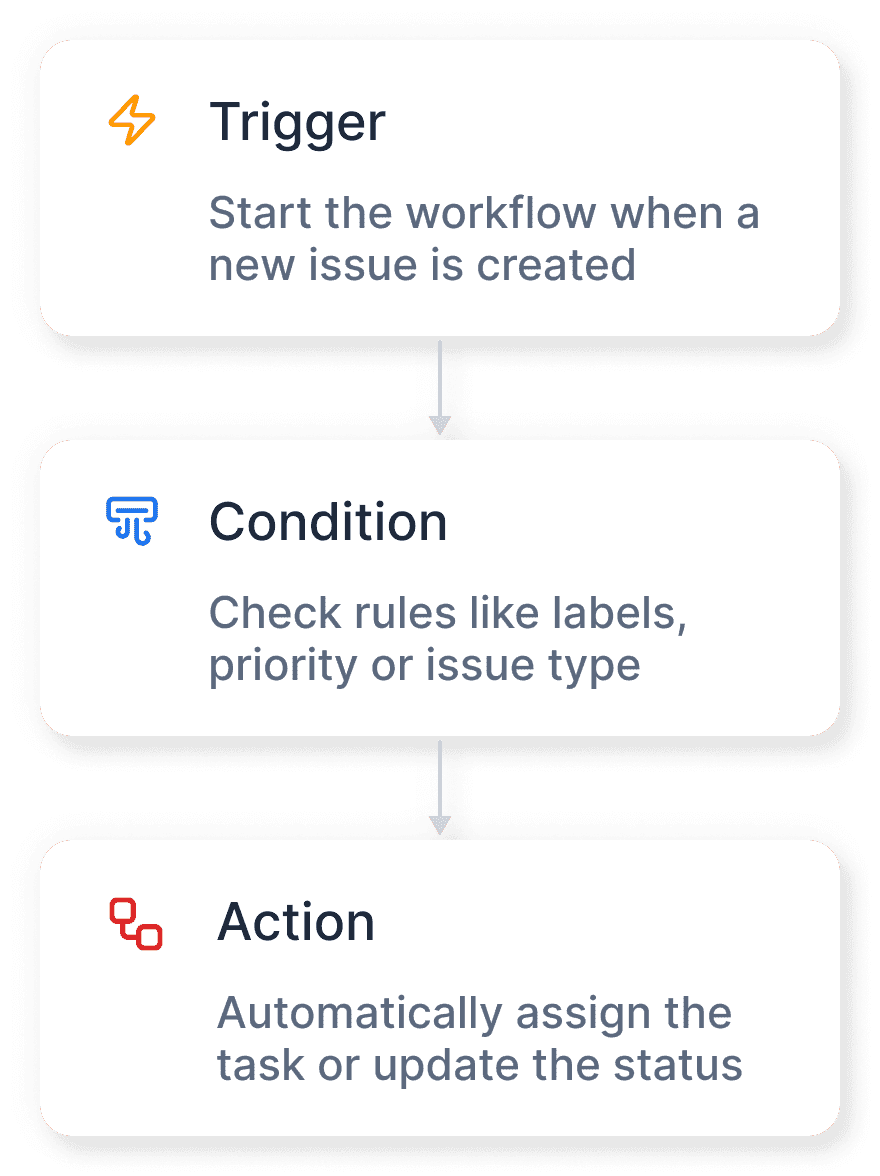
Process
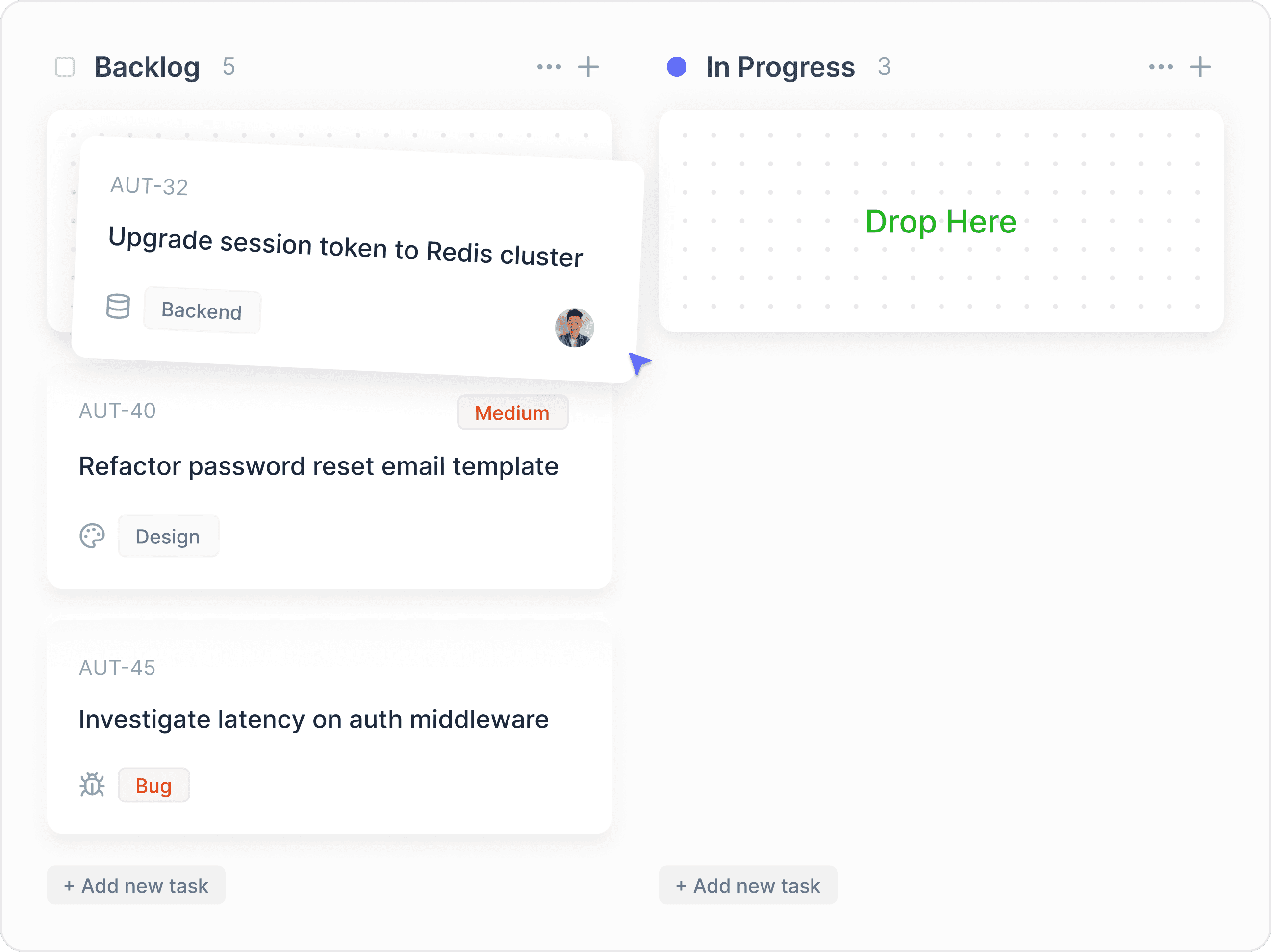
Records are created and budgets mapped into sponsor or vendor templates, with a review step wherever a person should decide.
Report and alert
Reports run on schedule, KPIs flow to your BI tool and alerts fire on thresholds, with every action in the audit trail.
From manual to automated workflows
Workflows take repetitive steps off your plate, accurately and continuously, so teams stop re-keying data and start running studies.
Import
The workflow reads the source, such as a CTMS export, a vendor invoice or a time-tracking file, validates it, maps the fields and logs what it cannot place.
Process
Records are created and budgets mapped into sponsor or vendor templates, with a review step wherever a person should decide.
Report and alert
Reports run on schedule, KPIs flow to your BI tool and alerts fire on thresholds, with every action in the audit trail.

Proven workflows, ready to launch
Automations for the recurring work of trial budgets and operations, set up at rollout.
Budget & Invoice Upload
Line items from proposals and invoices mapped to the right positions.
Custom Reporting
Budget, accounting and performance data, analyzed per project.
Vendor RFP Automation
Vendor forms prepared, responses ingested, bids compared.
Budget Mapping
Trialytix budgets in sponsor or vendor templates, without rework.
Data Migration
Mapping to the Trialytix data model, validation and clear error logs.
Notifications & Warnings
Summaries and proactive alerts on thresholds and trends.
Proven workflows, ready to launch
Automations for the recurring work of trial budgets and operations, set up at rollout.
Budget & Invoice Upload
Line items from proposals and invoices mapped to the right positions.
Custom Reporting
Budget, accounting and performance data, analyzed per project or company.
Vendor RFP Automation
Vendor forms prepared, responses ingested, bids compared.
Budget Mapping
Trialytix budgets in sponsor or vendor templates, without rework.
Data Migration
Mapping to the Trialytix data model, validation and clear error logs.
Notifications & Warnings
Summaries and proactive alerts on thresholds and trends.
Proven workflows, ready to launch
Automations for the recurring work of trial budgets and operations, set up at rollout.
Budget & Invoice Upload
Line items from proposals and invoices mapped to the right positions.
Custom Reporting
Budget, accounting and performance data, analyzed per project or company.
Vendor RFP Automation
Vendor forms prepared, responses ingested, bids compared.
Budget Mapping
Trialytix budgets in sponsor or vendor templates, without rework.
Data Migration
Mapping to the Trialytix data model, validation and clear error logs.
Notifications & Warnings
Summaries and proactive alerts on thresholds and trends.
Make your tool stack work like one system
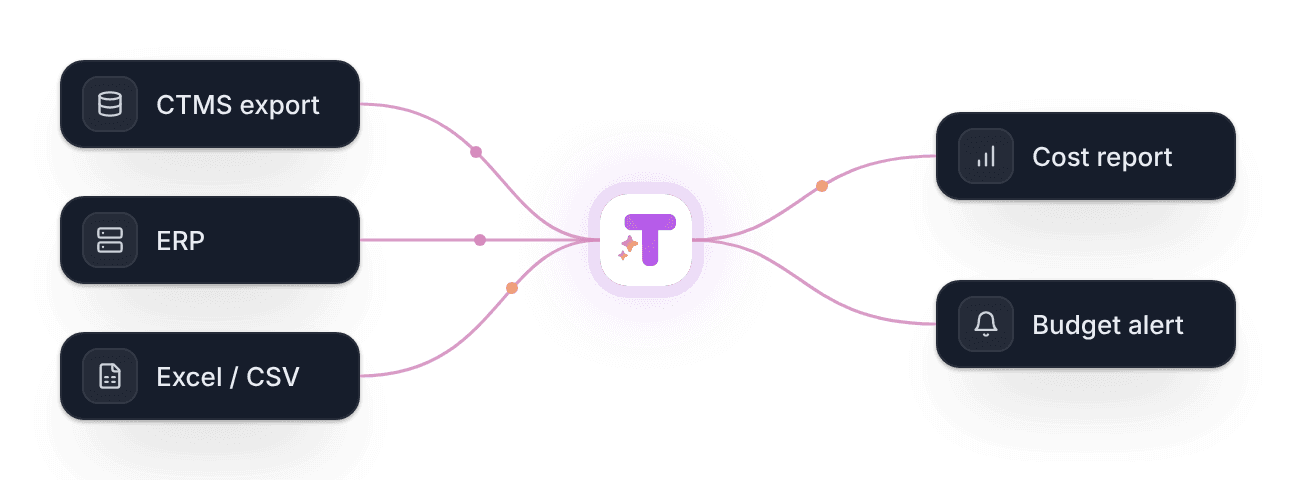
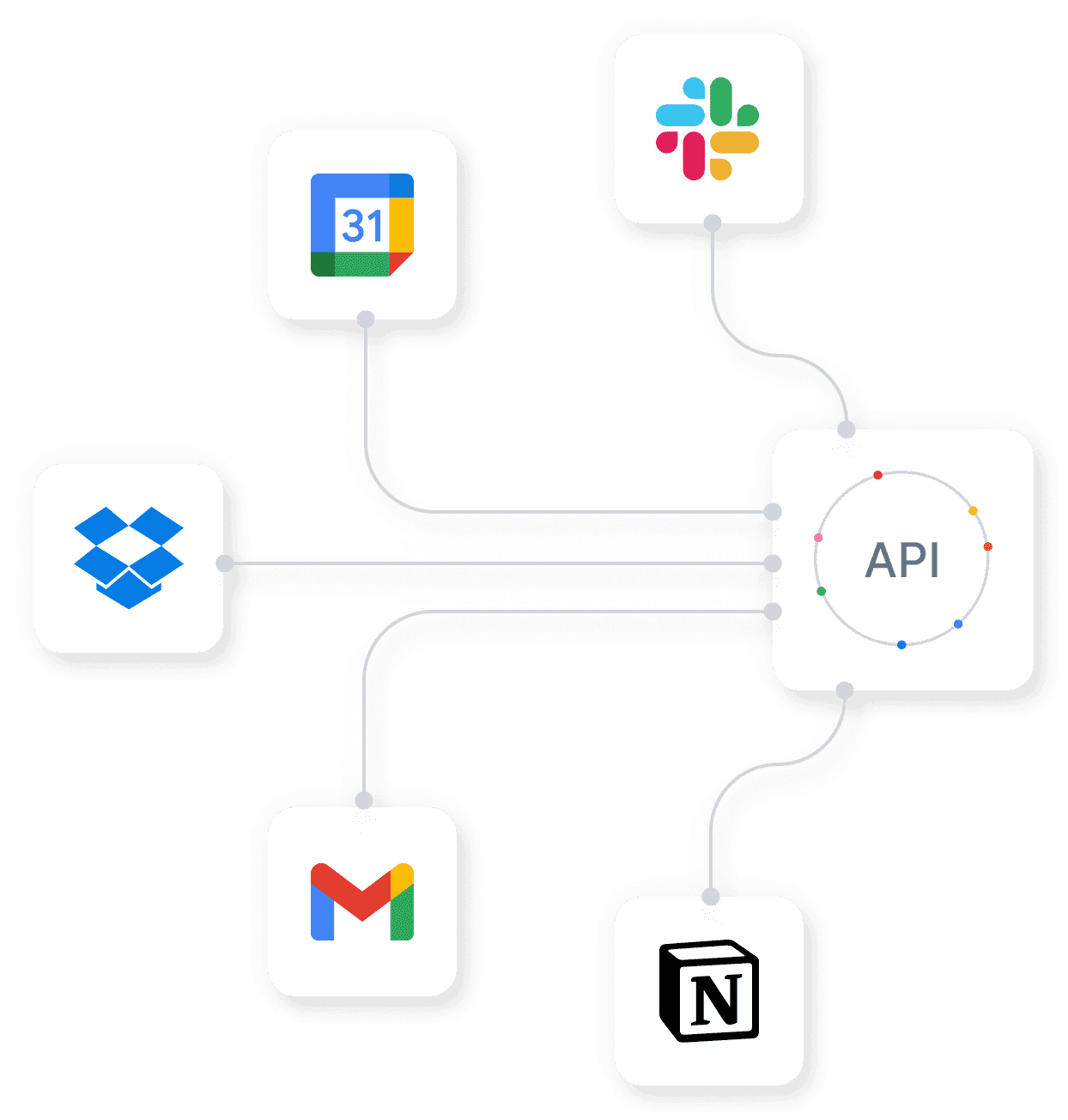
Workflows connect your systems instead of replacing them – Trialytix orchestrates spreadsheets, CTMS exports and finance tools.
CTMS export
ERP
Excel / CSV
Time tracking
BI tools
E-mail & invoices
Easy to operate. Reliable in action.
Automate confidently: validation, governance and controlled execution keep every workflow compliant, transparent and safe.
Questions about workflow automation
Short answers for operations, finance and IT.
What do the automated workflows do?
They take recurring work between Trialytix and your other systems: imports with validation and mapping, line items read from invoices and proposals, records created, budgets mapped into templates, reports on schedule and alerts on thresholds.
Do they replace our CTMS, ERP or BI?
Who controls what a workflow does?
Where does the automation run?
Which systems can be connected?
Questions about workflow automation
Short answers for operations, finance and IT.
What do the automated workflows do?
They take recurring work between Trialytix and your other systems: imports with validation and mapping, line items read from invoices and proposals, records created, budgets mapped into templates, reports on schedule and alerts on thresholds.
Do they replace our CTMS, ERP or BI?
Who controls what a workflow does?
Where does the automation run?
Which systems can be connected?
Questions about workflow automation
Short answers for operations, finance and IT.
What do the automated workflows do?
They take recurring work between Trialytix and your other systems: imports with validation and mapping, line items read from invoices and proposals, records created, budgets mapped into templates, reports on schedule and alerts on thresholds.
Do they replace our CTMS, ERP or BI?
Who controls what a workflow does?
Where does the automation run?
Which systems can be connected?
Show us the file you re-key every month
Start with a 30-minute call about your recurring work — the demo that follows shows the workflow that takes it over.
Show us the file you re-key every month
Start with a 30-minute call about your recurring work — the demo that follows shows the workflow that takes it over.
Show us the file you re-key every month
Start with a 30-minute call about your recurring work — the demo that follows shows the workflow that takes it over.